TemanSehat Android App
Android app for village health cadres and families to monitor elderly health through posyandu schedules, screenings, and examination follow-up.
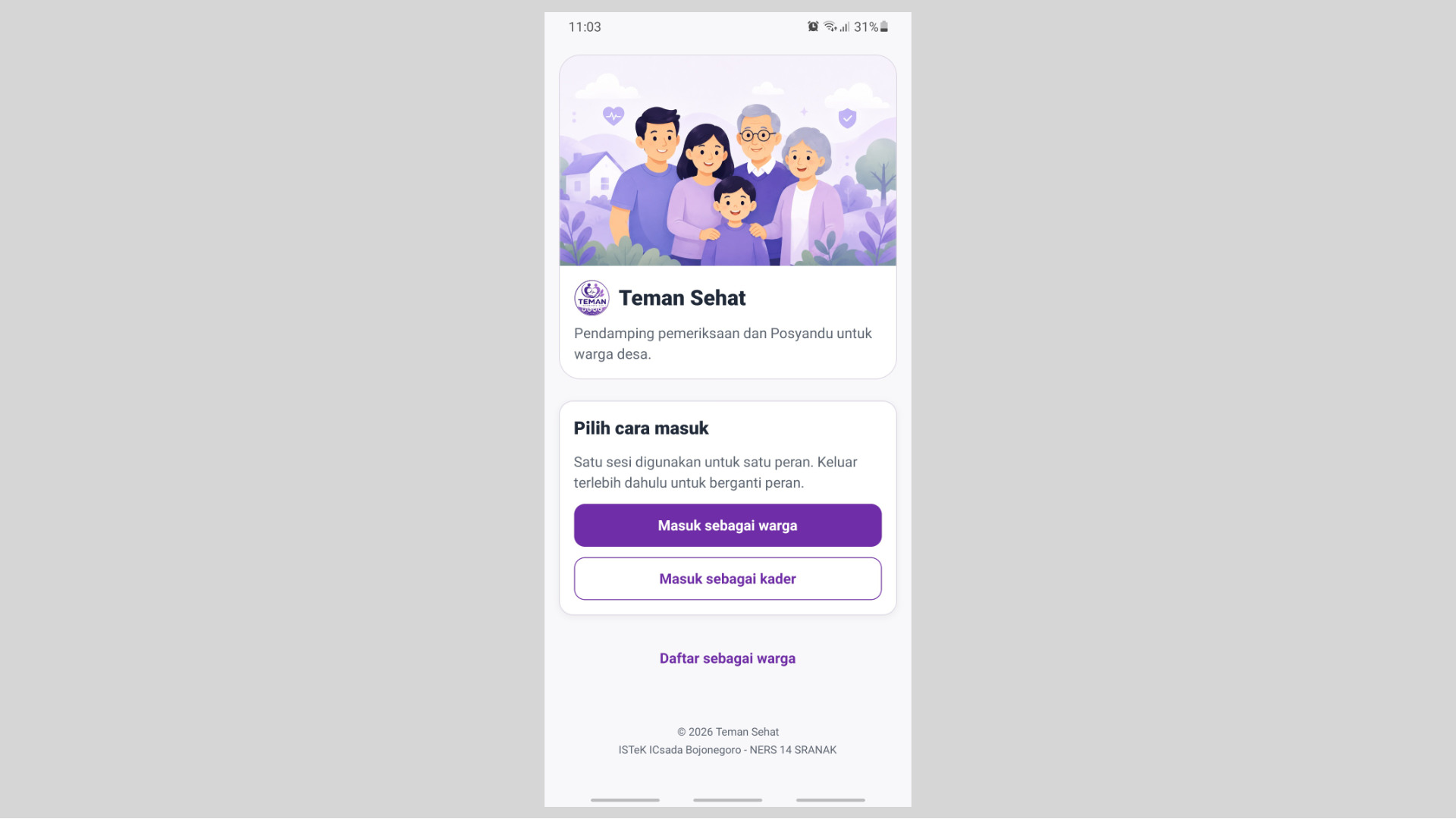
Screenshots
About the Project
TemanSehat is an Android app for village health cadres and families who support elderly health examinations. The app is the field tool for the service: families register the older adults they care for, receive posyandu schedule reminders, and review screening results, while cadres manage patients at the posyandu where they serve, record examination results, and follow up on residents who need attention.
The recorded indicators are blood pressure, uric acid, blood sugar, and cholesterol. Each result appears with a trend chart, status, complaints, cadre notes, and care tips. A QR card on the family account speeds up patient identification, so a cadre opens the correct record in the middle of a posyandu queue. Education material explains what a screening result means and what the family can do at home. The app marks every result as a screening.
That complete flow makes TemanSehat a fully operational posyandu app. The two roles run in separate sessions, so each role keeps its own screens, data, and actions. The interface is built for fast use by people without a clinical background: one primary task per screen, a status that can be read at a glance, and an examination path that continues from the schedule through follow-up. Elderly monitoring in the village can therefore run on a regular, supervised, and reliable rhythm, including on a crowded posyandu day.
Key Features
- Family Patient Records — Residents add the older adults they care for, including when the older adult has difficulty using a phone, then open that health history from the home screen.
- Posyandu Schedule Reminders — Examination schedules are delivered as notifications to the resident’s device, and the reminder status can be reviewed on the account profile.
- Screening History, Trends, and Education — Blood pressure, uric acid, blood sugar, and cholesterol appear with trend charts, status, complaints, cadre notes, care tips, and matching education material.
- Examination QR Card — Residents show a QR card to the cadre so the patient identity opens immediately and screening entry at the posyandu moves faster.
- Screening Result Entry — Cadres select a patient manually or by scanning a QR code, then record the four indicators, the blood-sugar test type, complaints, and notes on a single form.
- Patients at the Posyandu — Cadres search and review patients at the posyandu where they serve, including identity, examination history, and a summary of the latest condition.
- Follow-up Monitoring — Cadres see residents whose attendance needs attention and residents whose screening results need monitoring, without waiting for a manual recap.
- Elderly Posyandu Schedule — Cadres set the date, time, and activity notes for the posyandu they manage.
Challenges & Solutions
- Challenge: The same app is used by two roles with different authority. Cadres record screenings and monitor follow-up, while residents review family results and the QR card. If screen management slips, a cadre session can open the resident menu, or the reverse. On posyandu day, one wrong screen stops the queue, shows data outside that role, and makes the examination record hard to trust.
- Solution: Each session is bound to one role. The user chooses to enter as a resident or a cadre on the opening screen, and a role change happens only after leaving the current session. Navigation, data, and actions are kept apart, so the resident home, history, QR card, and education never share state with the cadre patients, examination, monitoring, and schedule. The flow stays stable from the start of the session until the examination is complete.
- Challenge: The people using the app are village health cadres and family members, including relatives who operate the phone for an older adult. If the flow feels crowded or a result status is hard to read, a screening is recorded incorrectly, the family cannot interpret a blood-pressure number, and a patient who needs monitoring slips past the cadre. At a busy posyandu, delay on one form holds up the entire queue.
- Solution: Each screen carries one primary task with a clear action. Patient identity is retrieved by name, national ID number, or patient ID, and can be shortened by scanning the QR card. Screening results appear with a color status, a trend chart, and tips tied directly to that result. Cadres see attendance and results that need monitoring on one screen, so the important information is reached in a few taps.
- Challenge: The whole app had to be ready for use in about one week. The scope that had to be present covered two roles, accounts, patient records, four screening types, posyandu schedules, notifications, the QR card, education, and follow-up monitoring. If the priority slipped, posyandu day would arrive with a broken path: a patient unidentified, a result unsaved, or a schedule reminder that never reached the family.
- Solution: Work was locked to the posyandu-day path: identify the patient, record the screening, show the result to the family, flag follow-up, and remind them of the next schedule. Interface components and form patterns are reused across both roles, while examination data follows the API that is already the app’s official channel. Within that boundary, one week was enough to deliver an app that is complete and ready to operate in the field.